
Create tailored job assessments in minutes. No psych jargon. No generic tests. Just real work, done better.
If you hire for entry-level roles, you know the struggle: CVs tell you nothing, and off-the-shelf assessments are often irrelevant, abstract, and easy to cheat. That’s why we built the Smart Assessment Builder.
With ThriveMap’s new self-serve tool, you can create tailored, job-realistic assessments in just a few clicks—complete with your own branding, narrative, and eligibility screening.
Whether you’re hiring 3 or 300, it’s never been easier to test candidates on the actual tasks they’ll face in the job.
Why Smart Assessment Builder?
- Fast – Build and launch an assessment in minutes, not weeks
- Job-Realistic – Select real tasks from real roles
- Customisable – Add your own branding, colours, narrative, and eligibility filters
- Insightful – Get automatic scoring and candidate reports with actionable data
- Candidate-Friendly – No trick questions or abstract psychometrics—just a preview of the job they’re applying for
How It Works: Step-by-Step
1. Select a Role Type
Choose from a growing library of entry-level roles across industries like customer service, logistics, care, retail and more.

2. Choose the Tasks
We’ll suggest a set of realistic, job-specific tasks. Select the ones that matter most in your role.

3. Customise the Experience
- Add your logo and brand colours
- Choose background imagery
- Customise the assessment narrative (e.g., “Your first day on the job”)
- Add eligibility questions (e.g., “Are you legally allowed to work in the UK?”, “Can you lift up to 15kg?”)

4. Preview & Launch
See a preview of the candidate experience by viewing questions. When you’re ready, get in touch with us and we can generate your unique assessment link to send to candidates.
What Your Candidates See
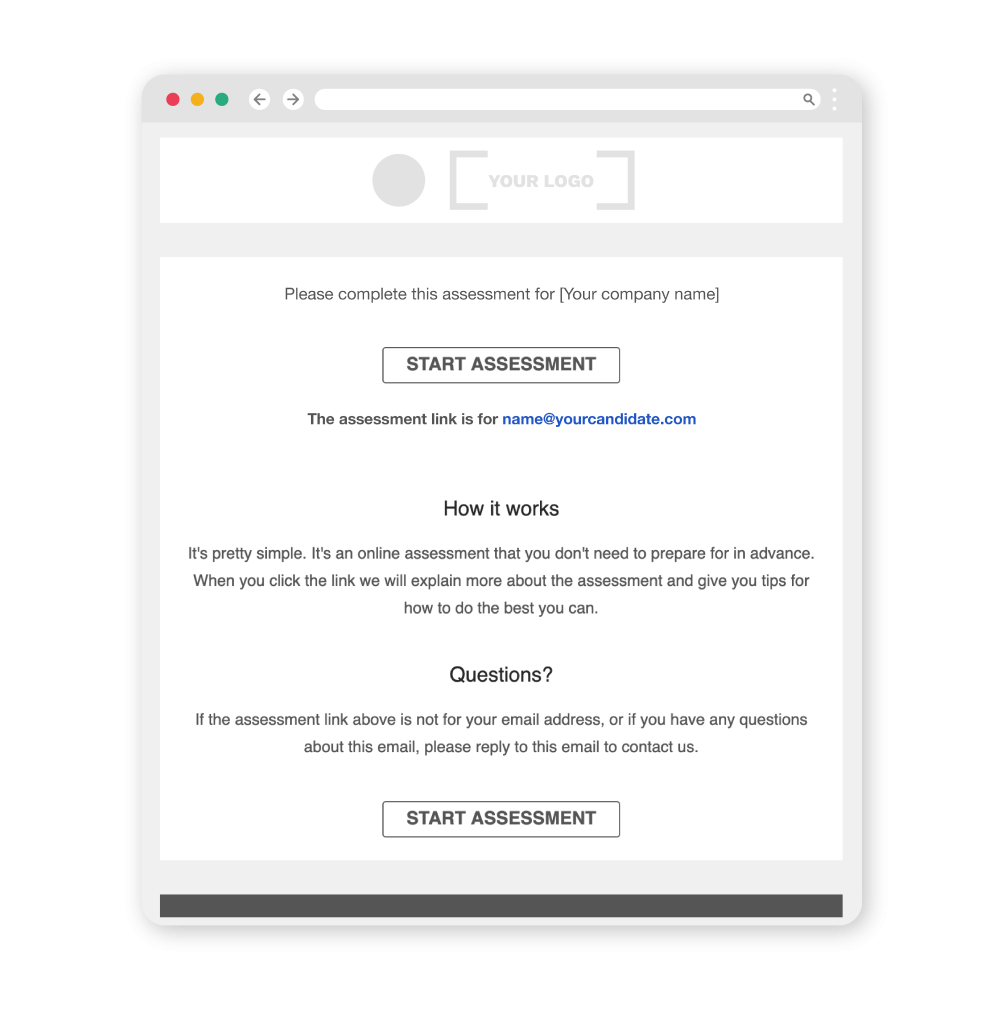
The Invitation
Candidates receive a branded email inviting them to complete the assessment. The email includes:
- Your logo
- A short intro about what to expect
- A unique link to get started
The Assessment
Candidates step through a job simulation made up of short, scenario-based questions such as:
- Multiple choice (What would you do?)
- Image-based tasks (Which picture shows the correct answer)
- Audio-based tasks (e.g., Listen to a customer andchoose the best response)
- Situational judgement (Rate different actions by effectiveness)
Each section is designed to feel like a “day in the life” of the role, helping candidates understand what they’re signing up for.

Viewing Candidates
Once your assessment is live, you’ll have access to your personalised ThriveMap dashboard.
Inside the Dashboard:
- Candidate Leaderboard – See all candidate scores at a glance, ranked by performance
- Assessment Analytics – Monitor assessment performance, completion rates, and drop-off points
- Candidate Feedback – View candidate satisfaction scores and written comments to help you improve the candidate experience
Everything is presented clearly and intuitively so you can make informed hiring decisions fast.

The Candidate Report
Once a candidate completes the assessment, you get an instant report showing:
- Overall fit score (out of 100%)
- Score breakdown by attribute
- Individual responses to key questions
- Eligibility answers (if included)
No manual review needed. Use the report to move fast and make smarter, more confident decisions.

What’s Next?
Smart Assessment Builder is live now and included in all eligible ThriveMap plans.
If you want to:
- Try it out
- Add it to your account
- Or create your first self-serve assessment
…get started here, or get in touch and we’ll get you set up in minutes.
Ready to build your first Smart Assessment?